Even though I didn’t make it through my 100 Day Project last year, I still made a lot of artwork that I love! I managed 37 days out of 100 or about 1/3 of the project. Sounds like a fail. On the other hand: 37 new pieces of art…wow! That’s a lot!
My project was called “100 Days of 1 Object” and it was all about making art based on the same vase of (fake) peonies over and over again.
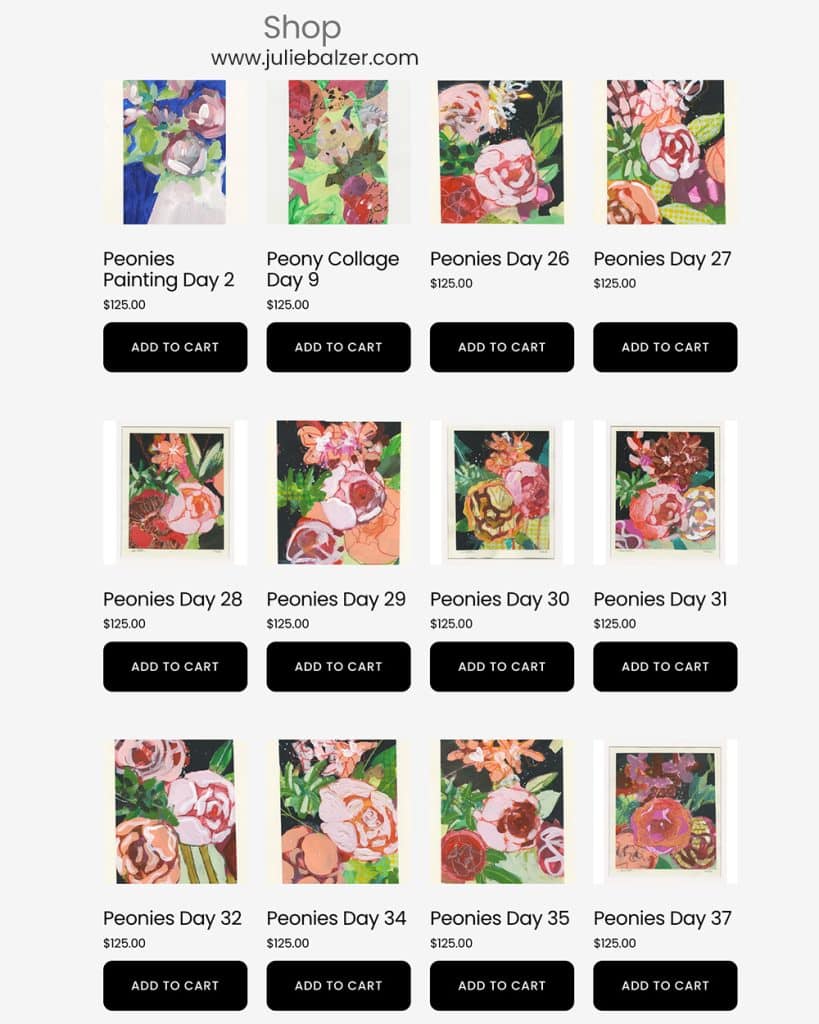
I’m not going to share all 37 pieces today, but I will share a grouping that I just listed in my online shop.
Why Did It Take a Year to List Them in My Shop?!
There are a few reasons that it took me so long to get them up for sale and they’re (almost) all related to the fact that being a businessperson and an being an artist are two different jobs and I like one a lot more than the other. (I’ll let you guess which one.)
Cutting Custom Mats
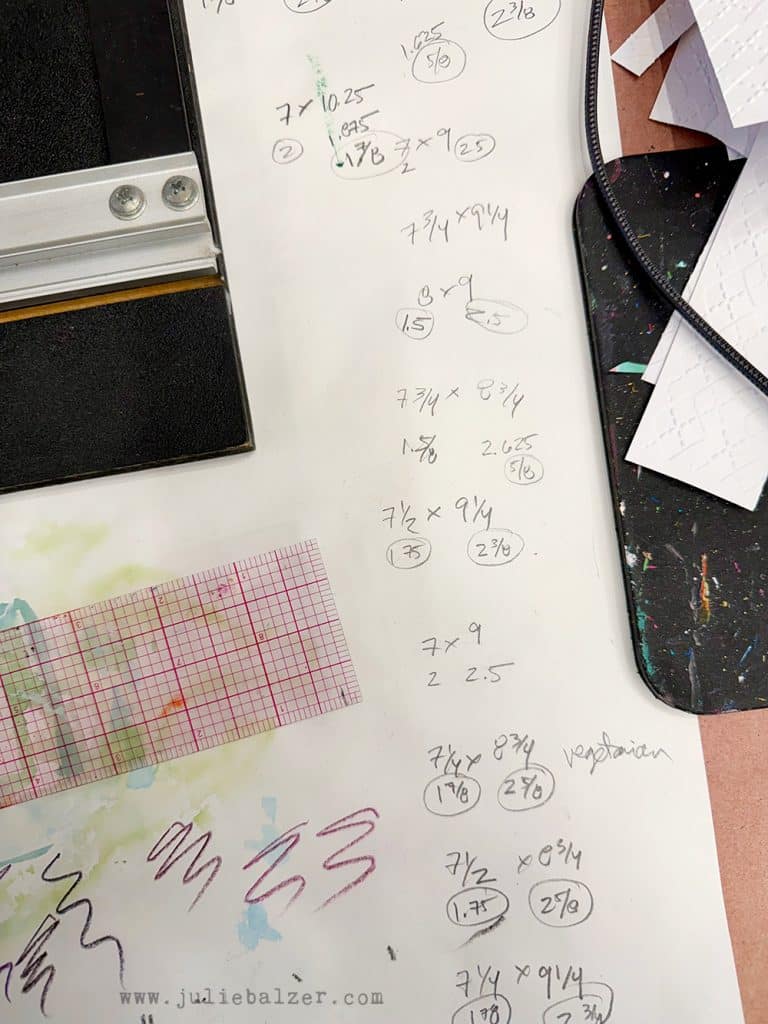
When I embarked on my 100 Day Project, I didn’t think about making stuff to sell. I just thought about making stuff. And as a result, I didn’t make the artwork a standard size that would fit in a standard pre-cut mat. So, that meant that I need to cut custom mats for every single piece of art that I made. Cutting custom mats isn’t hard (I use a Logan mat cutter), but it’s time consuming and there’s math and measuring.
Scanning & Photographing & Editing & Listing. Oh My!
As the title above suggests, there is a lot of technical labor to get done.
- Scanning Artwork: I like to scan artwork on paper. I feel like the colors are more accurate when you scan and there are no funny angles or weird lighting issues. I bought a super high quality large format Epson scanner fifteen years ago and it still does a great job!
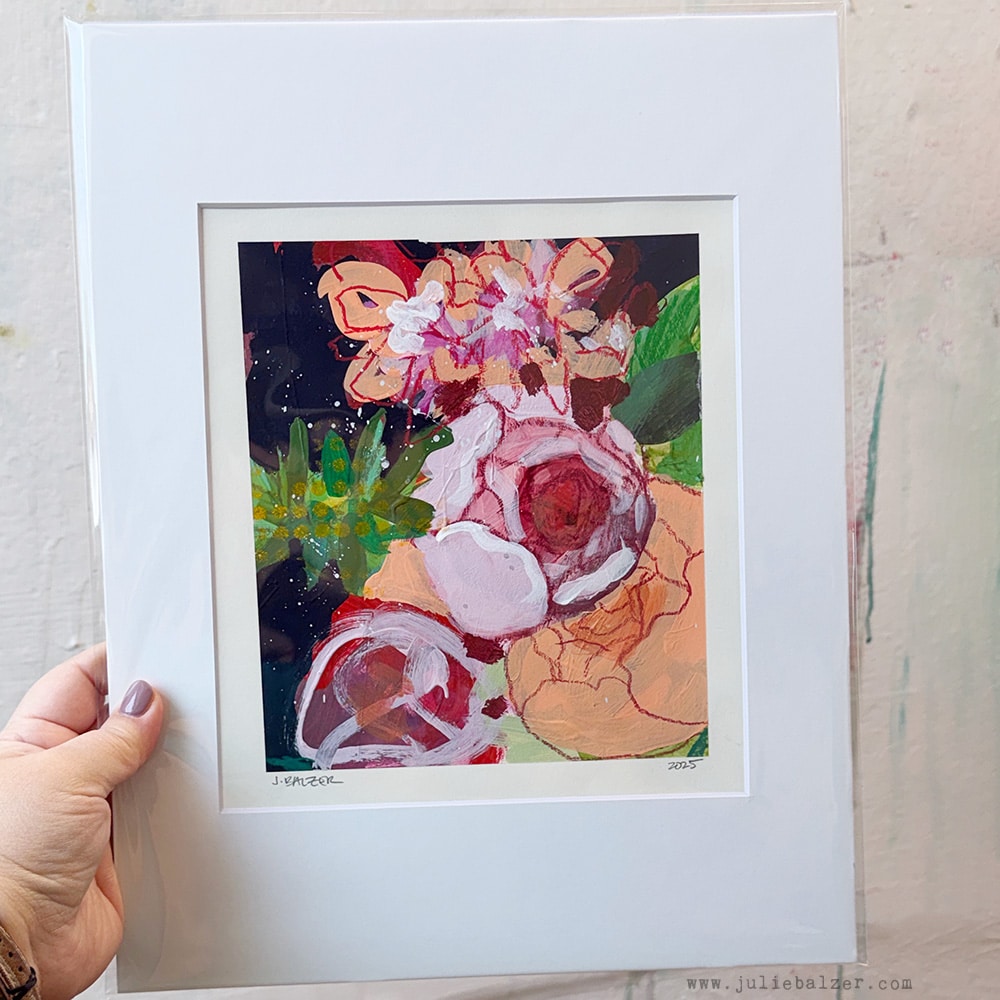
- Photographing: Even after scanning, I need to photograph the artwork in its mat and bag so that the customer can understand how the artwork will look when they receive it, as you can see from the photos below:
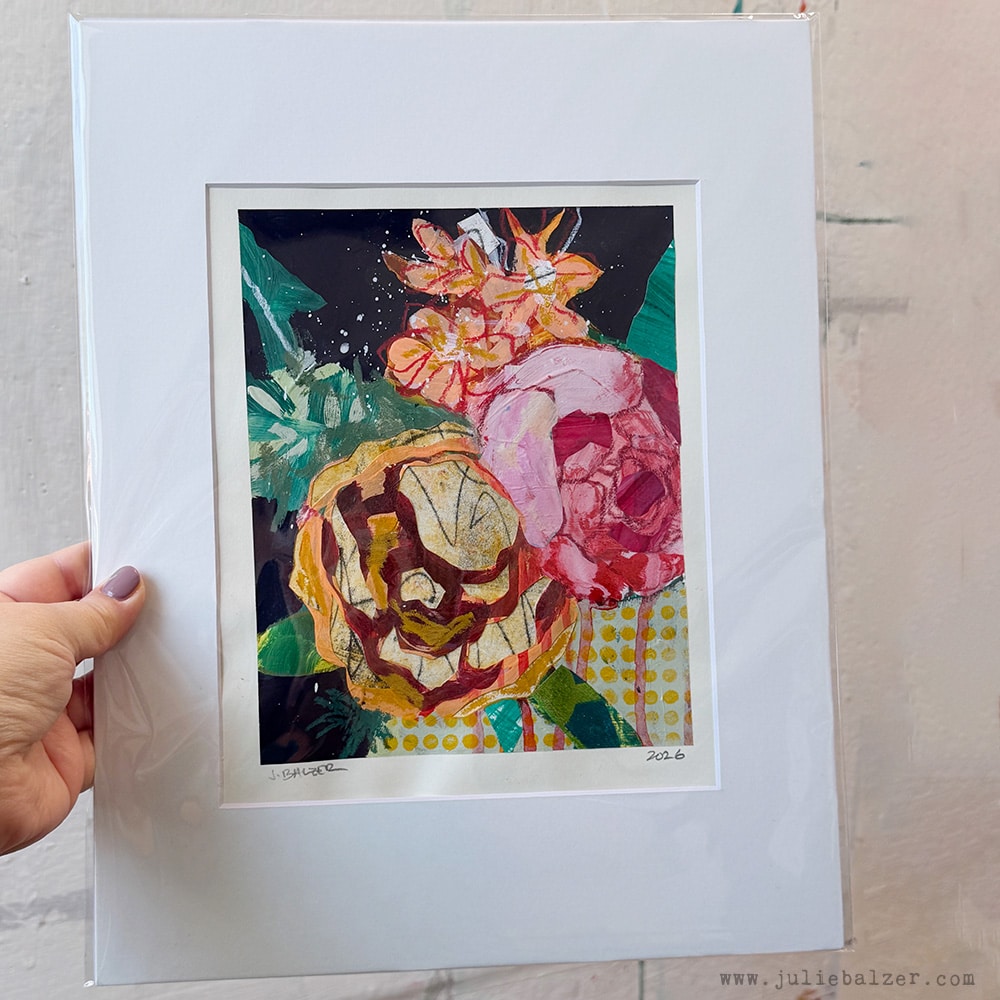
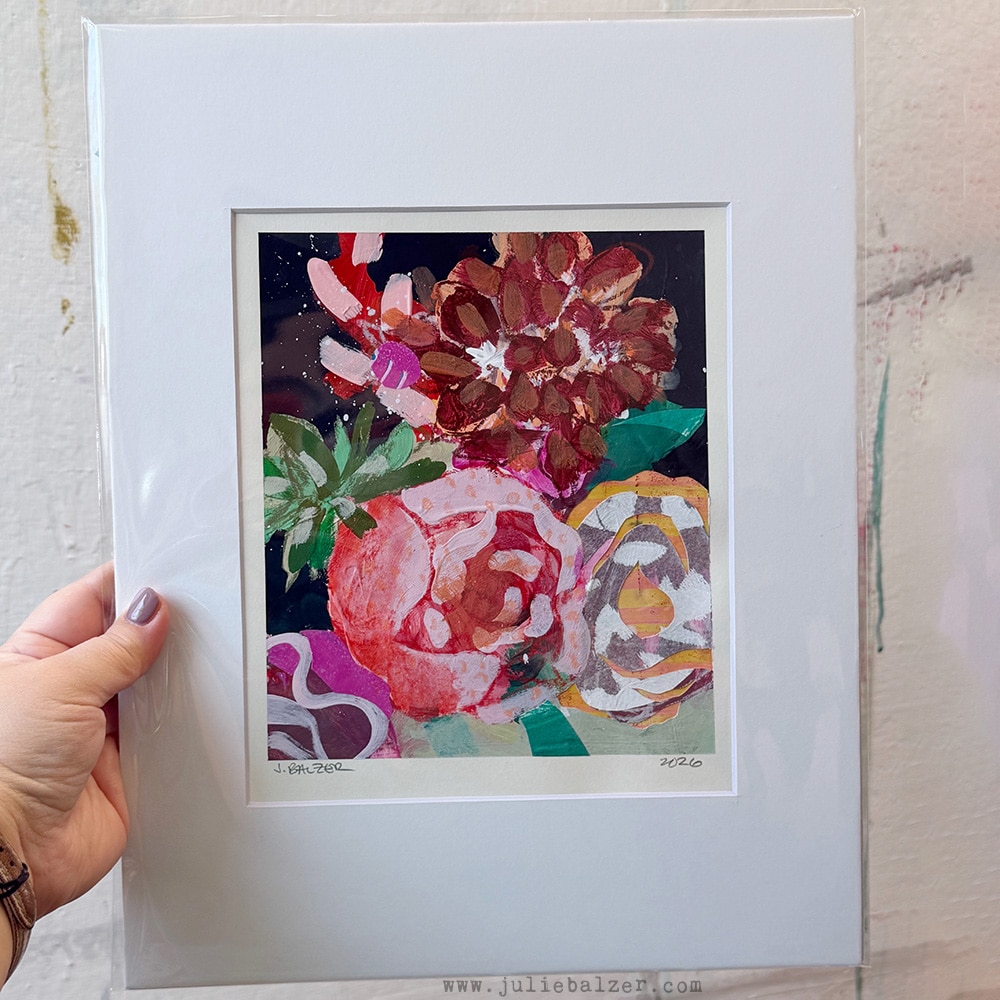
- Editing Images: All photographs and scans need to be edited. Most of the time it’s simply cropping and color correcting. Plus I save a full resolution version and a low resolution version with a watermark (for the web). I watermark my photos because they often get separated from the source. How many times have you seen something you loved on Pinterest or elsewhere, but you can’t seem to find the source for the image? I always want people to be able to figure out where the original image came from. I do my editing in Photoshop.
- Listing Artwork: I try to keep this pretty simple – a description of the artwork and then the photos I’ve edited for the web. I didn’t do any mock-ups of the artwork in a frame, because it just felt too time-consuming, but I do sometimes add those into the mix — especially for bigger pieces.
I made a quick one for this blog post, so that you’d understand what I was talking about:
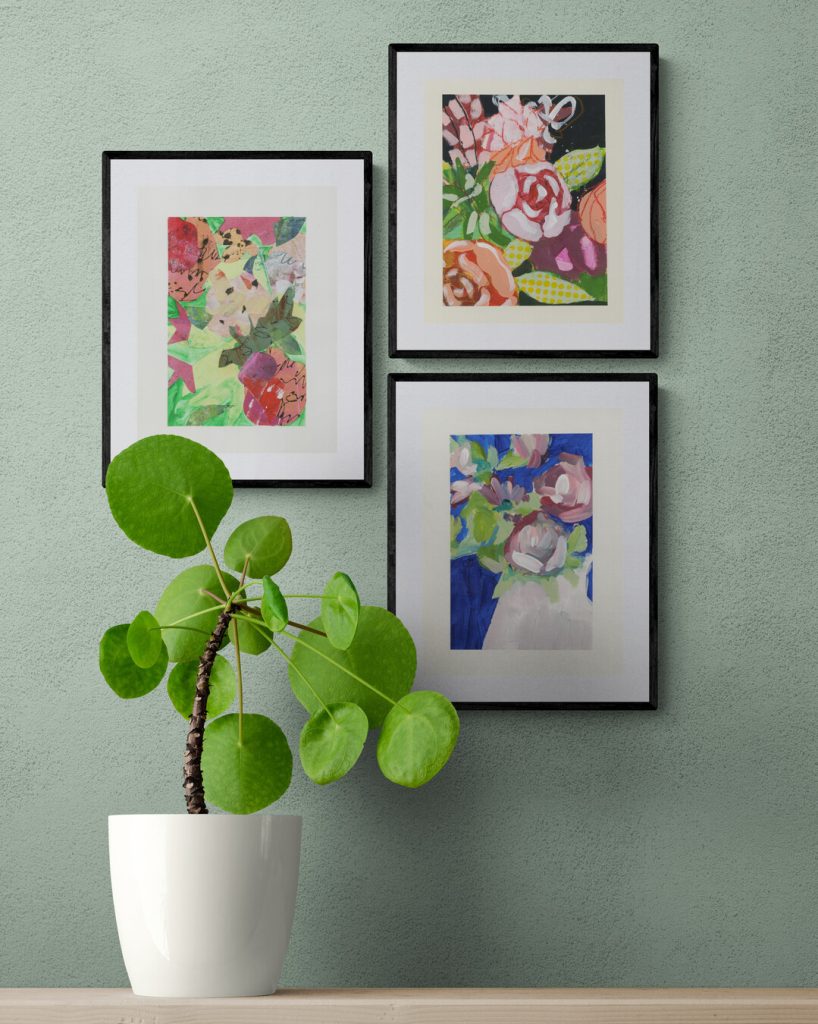
Photos like these help the customer to envision what the artwork might look like in their home or office or business!
One Very Big Art-Related Reason
I needed time to fix up some of the artwork that I didn’t love. I’ll let the video walk you through that:
The Artwork
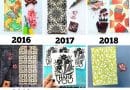
Here’s a closer look at 15 of the 37 pieces from my 100 Day Project!
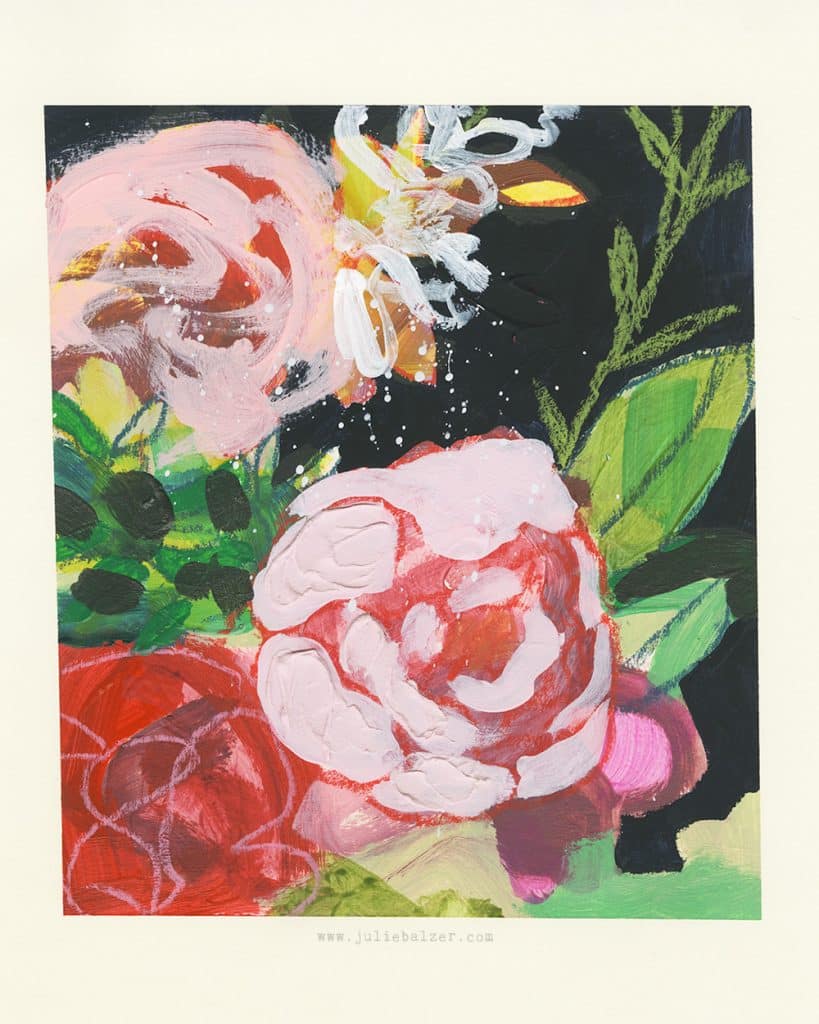
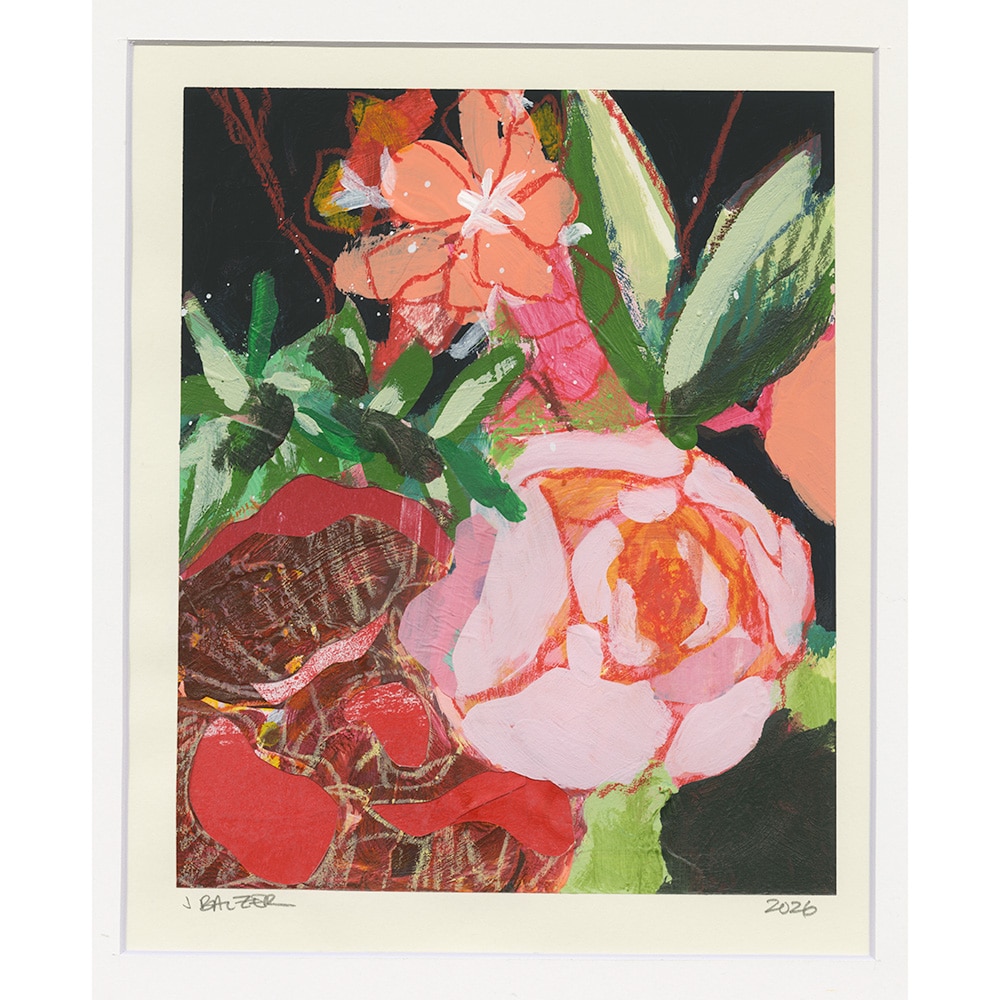
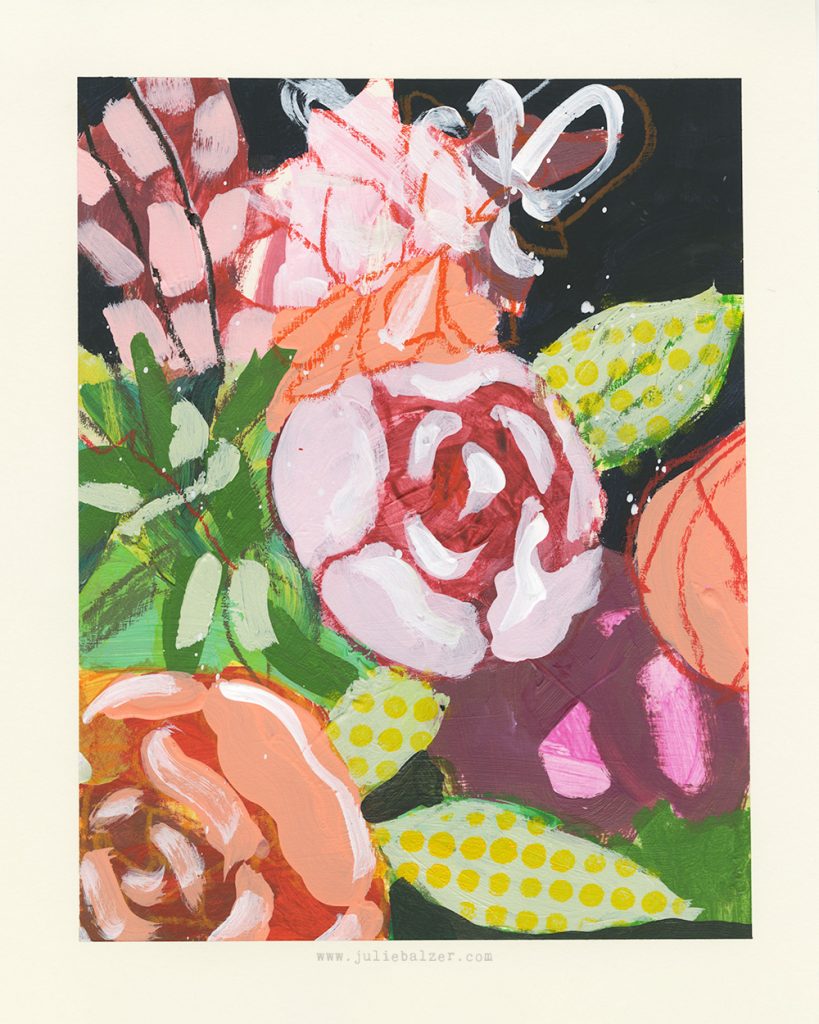
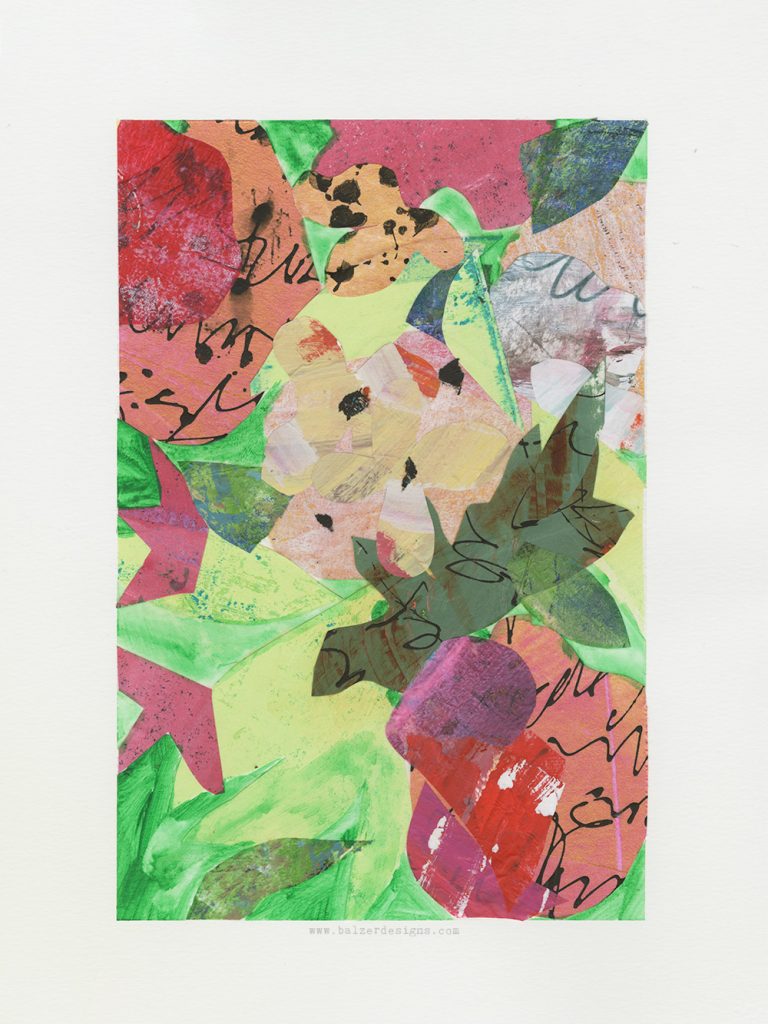
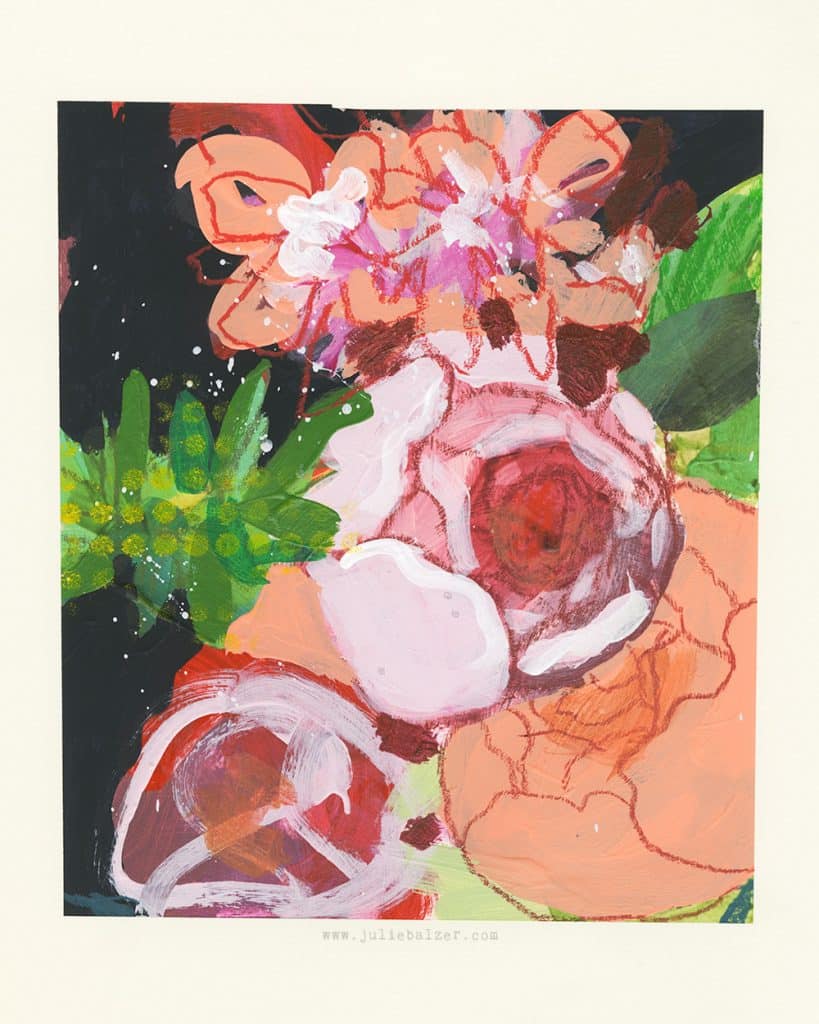
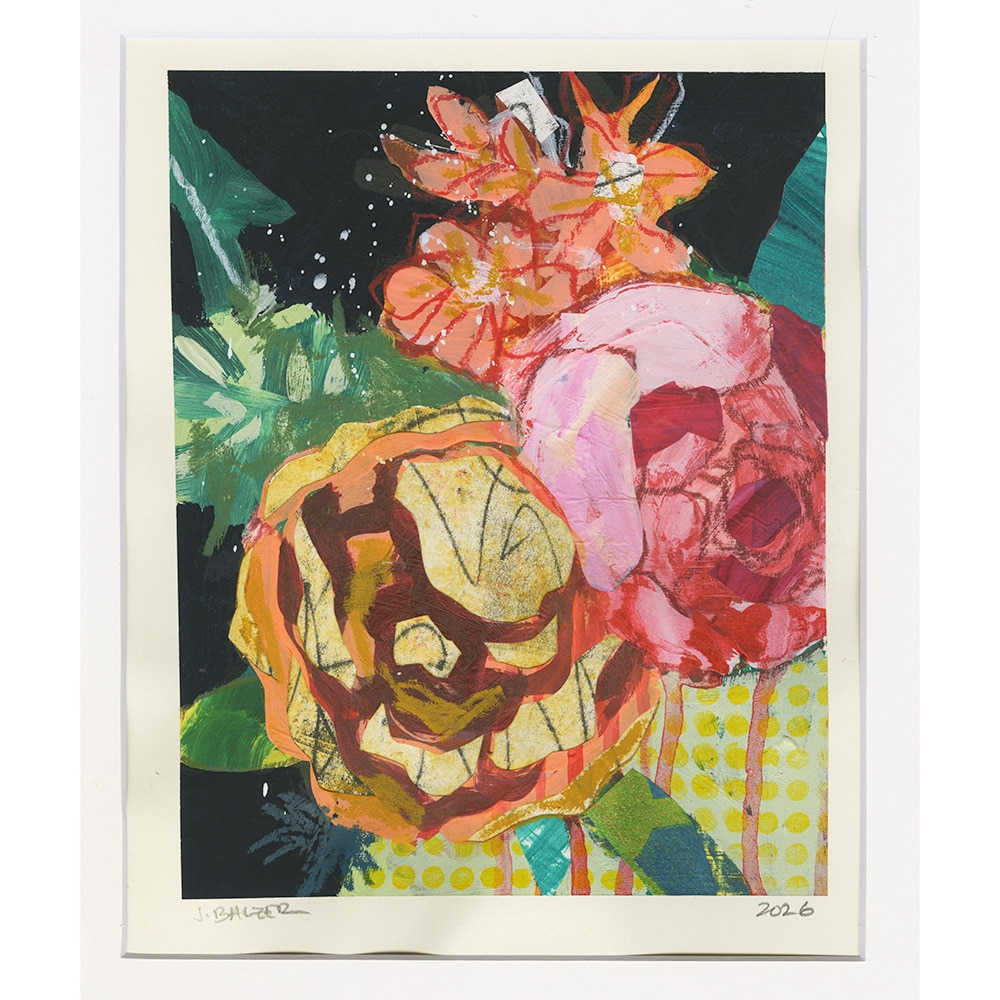
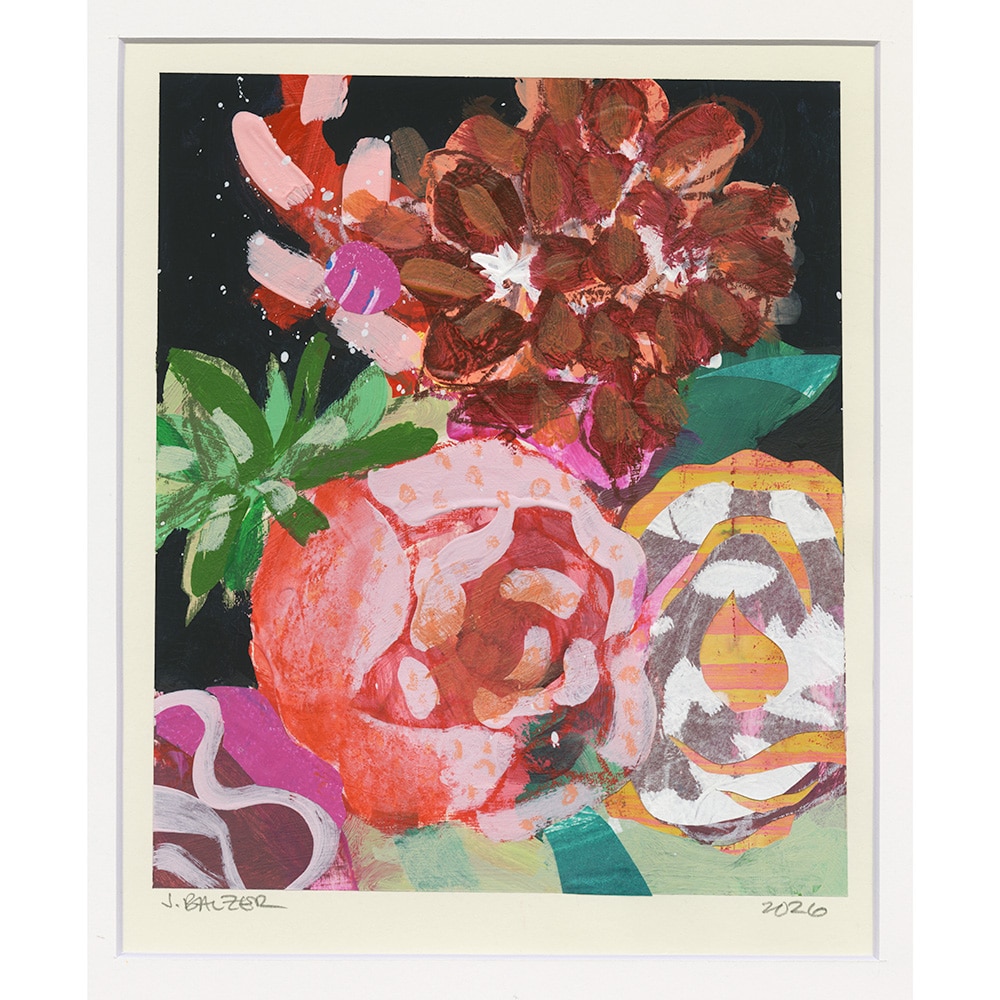
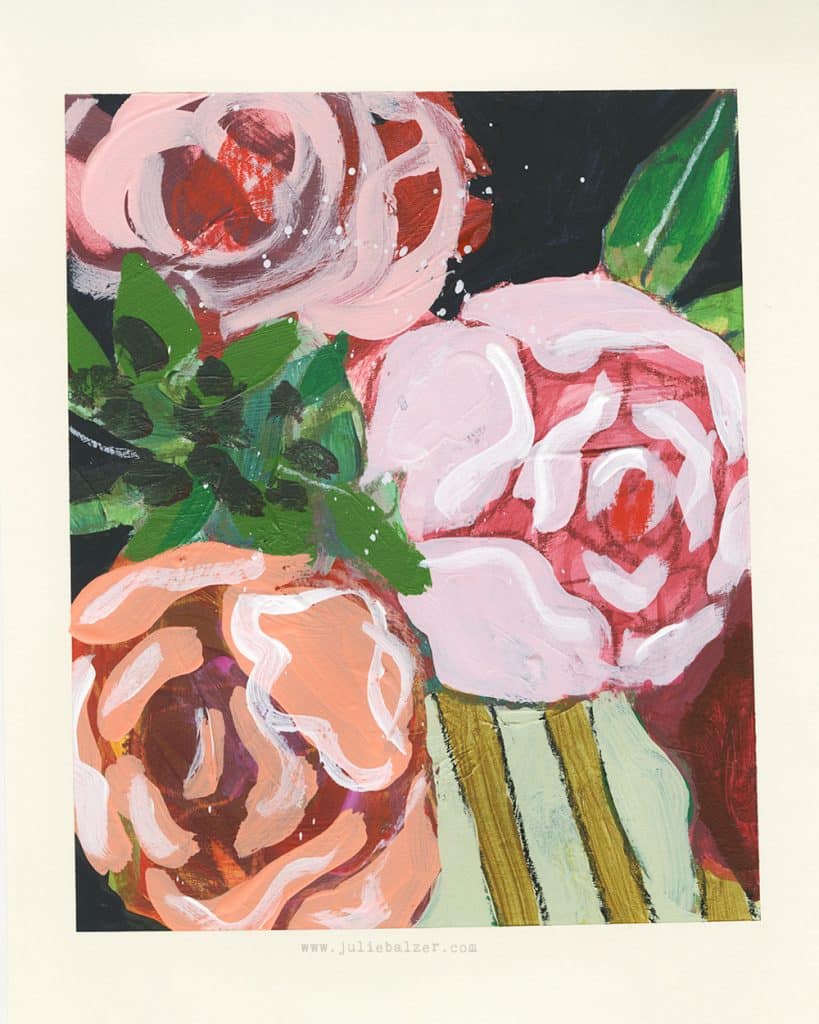
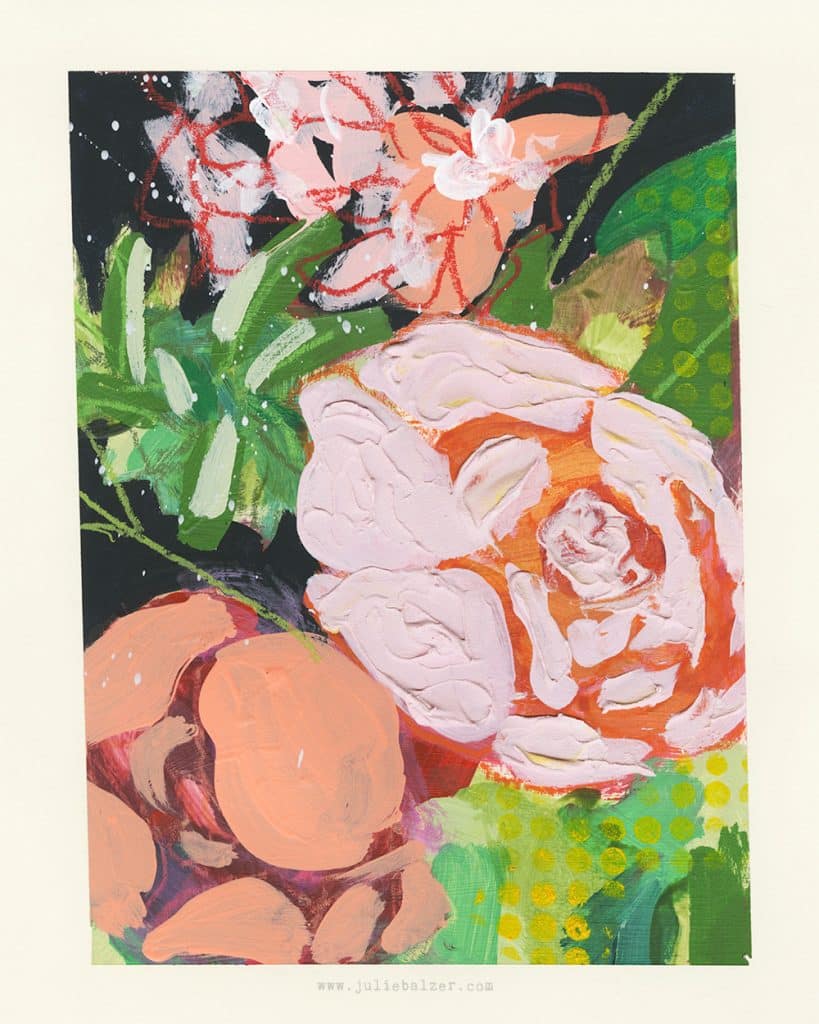
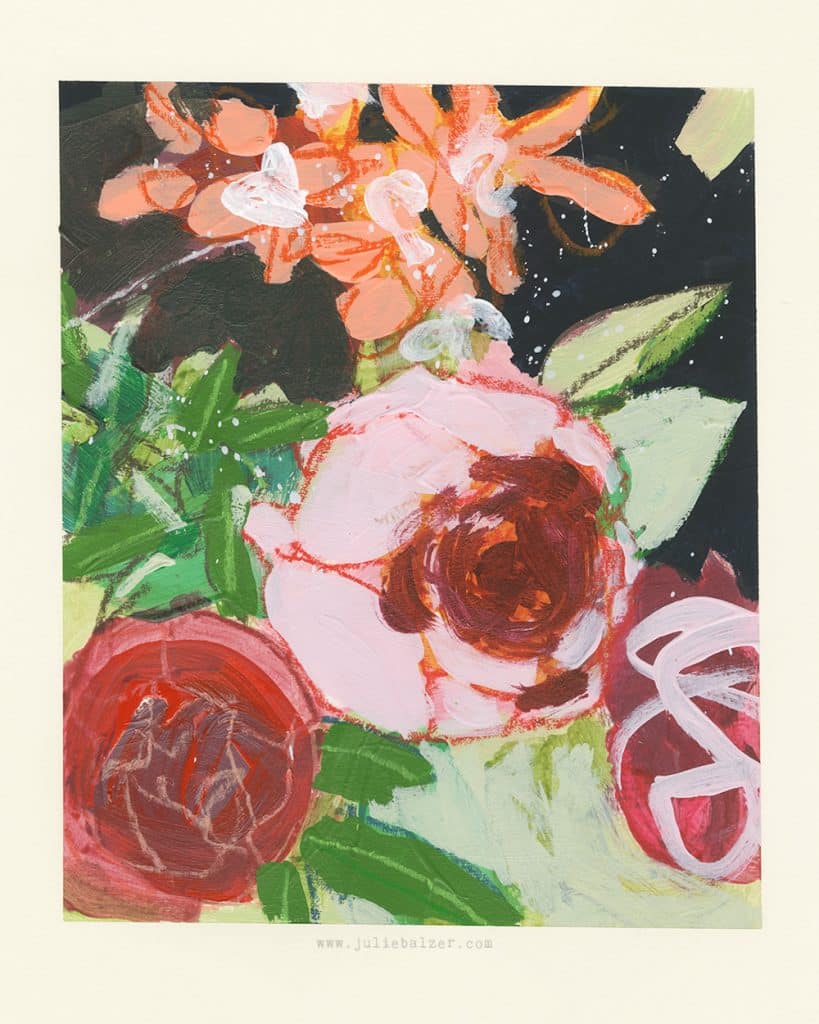
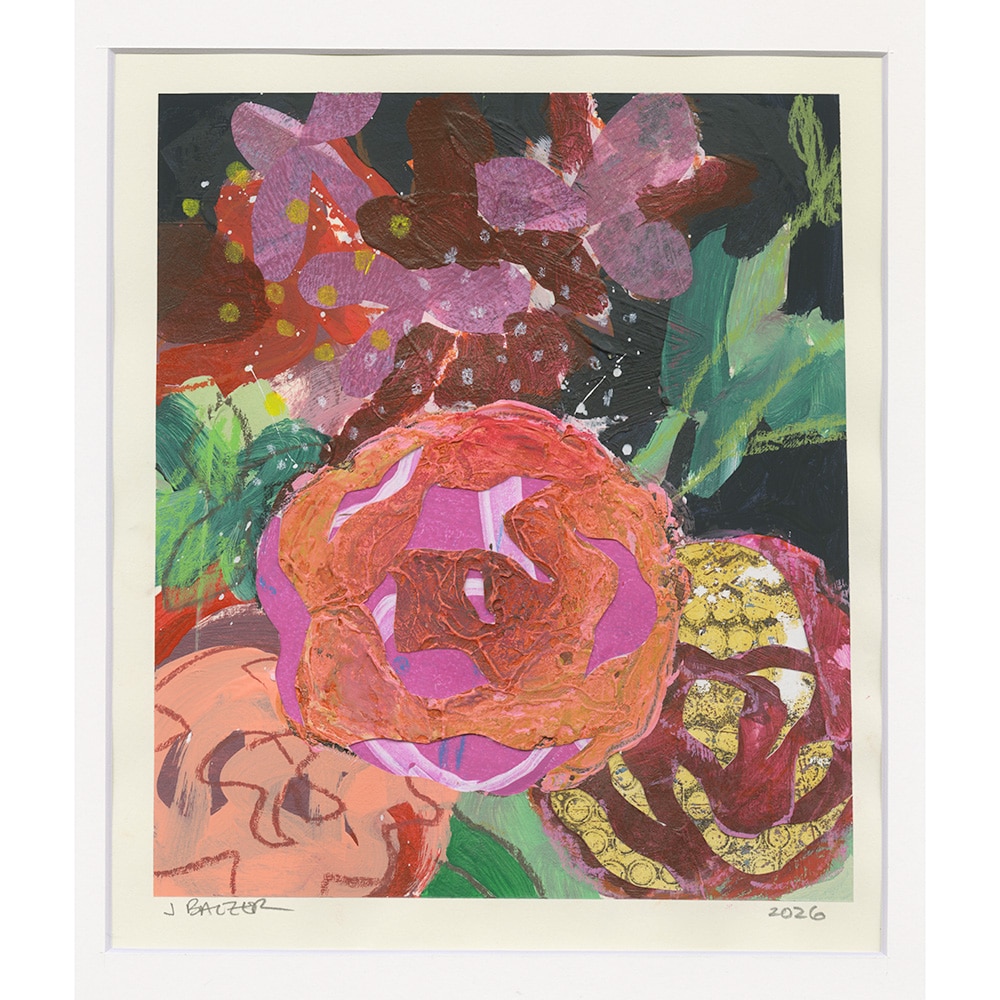
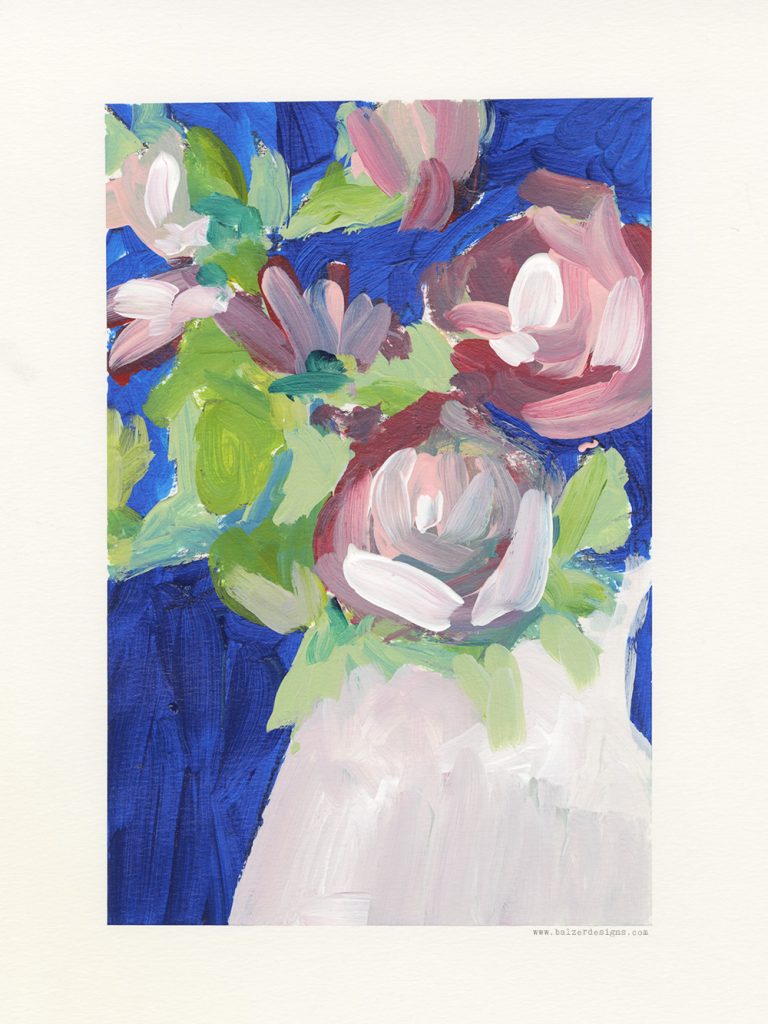
You can find all of these for sale in my online shop!
Thanks for stopping by!




Pingback: Why Reworking Old Art Is Central to My Creative Practice - Balzer Designs Blog